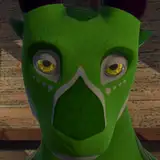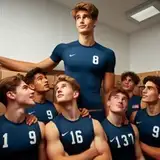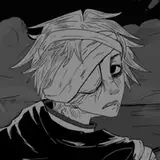
Attached below is the Photoshop version of the image!
I learned a new trick I was able to try out on this one for adjusting the lighting and image contrast. Over my usual Hard Light and Overlay layers, I set another copy to 'Screen.' I could then gradually darken the layer and this helped balance out the brightest and darkest areas, it made a pretty big difference, which you can see if you toggle the Screen layer off and on!